

One to One
Canva & AI
Beginners Sessions
Canva.com and AI
Just you and me at a designated hotel
I fully understand that workshops may be not up your street.
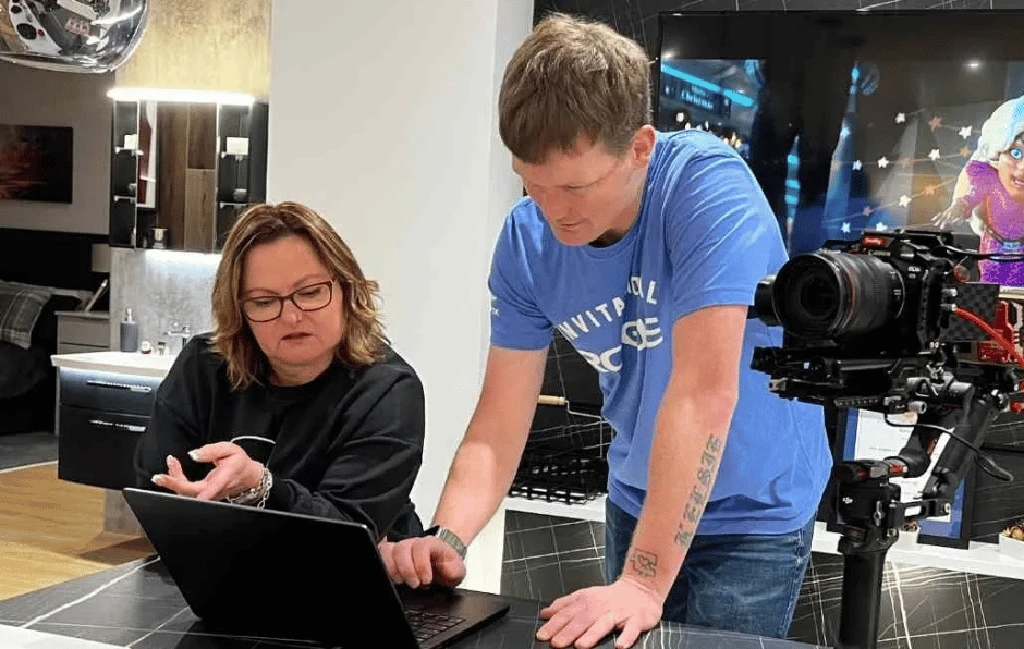
Being in a workshop maybe just too daunting - full of people you don't know, going at a pace where you think you'll get left behind (but you wouldn't because that's my job), but you'd feel more comfortable having a session all to yourself.
And that is absolutely fine.
Your 3 hours will still be hands-on Canva and AI learning where you learn by 'doing'.
If you've struggled with Canva.com before then that's absolutely fine, I'll help you to make friends with this free graphic design app coupled with the amazingness of AI.
1
Canva Navigation Bar
Learn how to move easily through all the Canva.com options so that you feel comfortable with where everything is on the platform.
2
Canva Design Templates
3
Canva Tool Bar
You will understand all the different options available on Canva so that you create a powerful and impactful design.
4
Create Your Own Design
We'll be going through all the processes and steps so that you can create a design using your own images and contents. With hands-on support, you'll be guided right the way through this process.
5
Adding Movement & Music
Not only will you be learning the basics. I'll be with you so that you naturally become confident enough to progress to inserting music and animation onto your designs,
6
Result
At the end of our time together you'll be so much more comfortable with using Canva as a design platform, And then it's just practice, practice and practice!